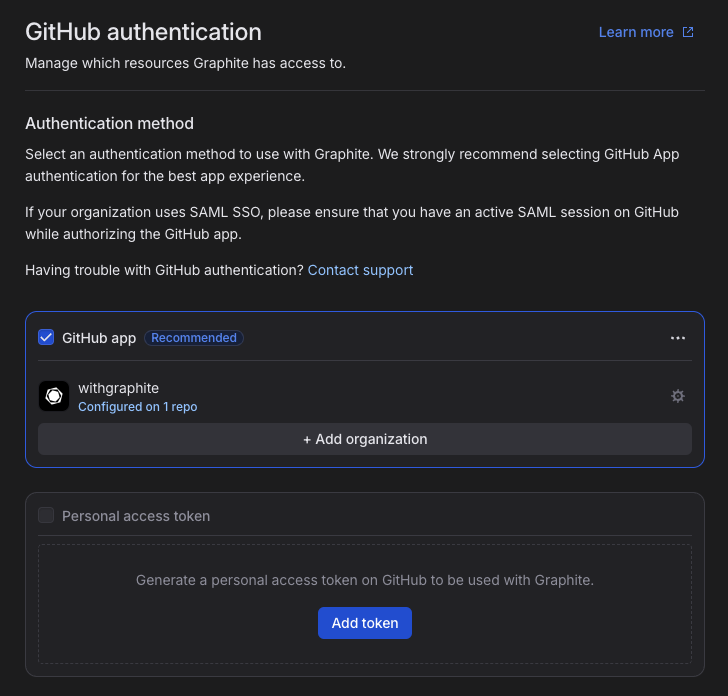
GitHub authentication methods
Currently, GitHub is the only git provider that Graphite integrates with. To set up an account with Graphite, you’ll need to authenticate by installing the Graphite App (a GitHub App) on your organization.We no longer support OAuth as an authentication method. Users who previously authenticated with OAuth remain supported, but new signups must use the GitHub App.
Install the Graphite GitHub App
When creating an account on Graphite, you’ll need to install or request installation of Graphite’s GitHub App on your organization. Installing Graphite’s GitHub App on your organization gives Graphite the access it needs to:- Receive GitHub webhooks for real-time updates on CI status, mergeability, and push events.
- Enable the Graphite Merge Queue.
- Make efficient use of the GitHub API, avoiding secondary rate limits for lower latency and fewer errors.
- Use fine-grained permissions and short-lived tokens, giving your organization control over which repositories Graphite can reach.
Install the Graphite App on an organization
You can only install a Graphite App on an organization if you’re an organization owner. If you’re not an owner, you should request to install the Graphite App instead.
Request to install the Graphite App on an organization
If you’re not an organization owner, you can request approval for the app to be installed. Once you’ve done so, you should reach out to an organization owner to have your request approved. You can find a list of organization roles and members using this link:https://github.com/orgs/{org-name}/people.
Authorize the GitHub App with your personal account
After the Graphite App has been installed on your organization or if you’re signing up for Graphite with an organization that has the app installed, you’ll also need to give the Graphite App approval to retrieve information about your GitHub account and make changes on your behalf. The screen to do so will look like this: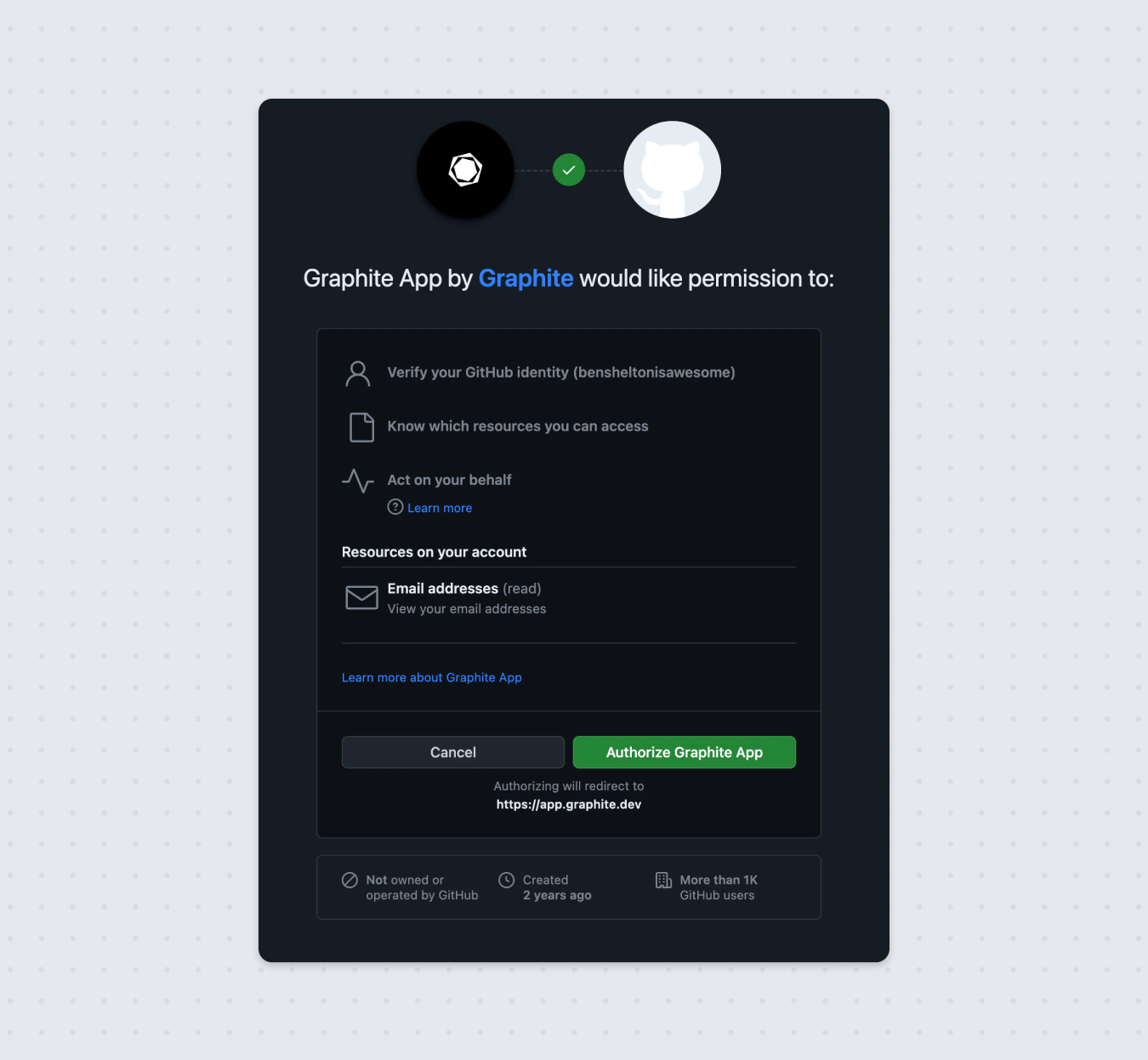
If your GitHub Organization uses SAML SSO authentication, ensure that your GitHub user account also has an active SAML session with the organization on GitHub while authorizing the GitHub app.
Manage GitHub authentication
To make adjustments to your GitHub authentication and the resources which Graphite has access to, go to your GitHub authentication settings in Graphite: